%20(1).png)
Top Free Step Counter Apps for iPhone: Your Guide to Getting Moving!

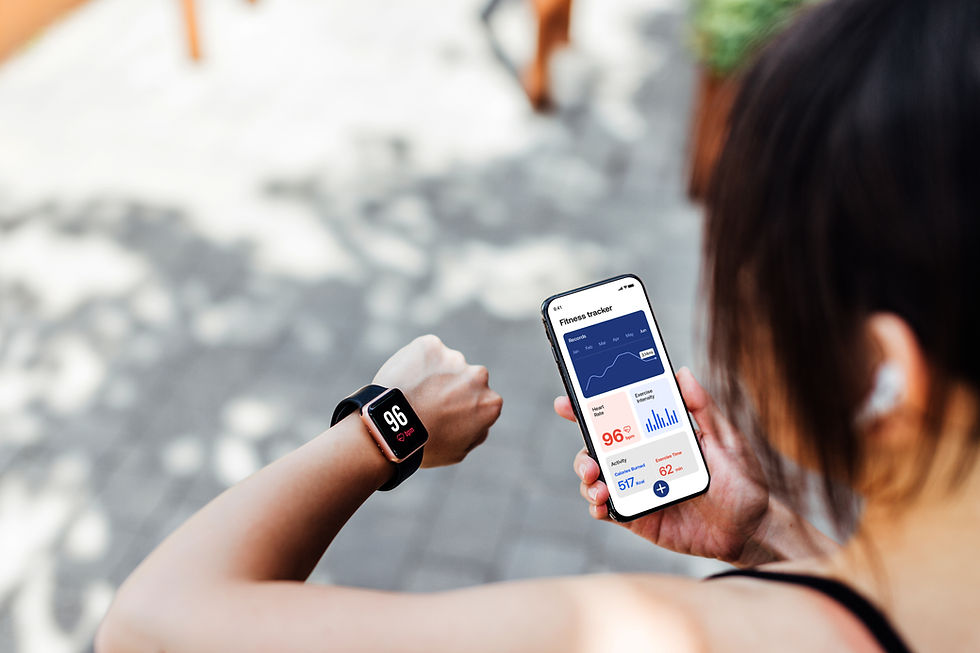
If you’re ready to boost your daily activity and build healthy habits, step counter apps are your best friends! They make tracking your steps easy and fun. I’ve tried many, and I’m excited to share the top free step counter apps for iPhone that will help you stay motivated and reach your goals. Let’s dive in and find the perfect app for you!
Why Use a Step Counter App on Your iPhone?
Step counter apps are more than just pedometers. They help you see your progress, set goals, and stay motivated. Using your iPhone’s built-in sensors, these apps track your steps without needing extra devices. It’s like having a personal coach in your pocket!
Here’s why you should start using one today:
Track your daily activity easily and accurately.
Set achievable goals and watch your progress.
Stay motivated with reminders and challenges.
Build healthy habits without feeling overwhelmed.
Get insights into your walking patterns and calories burned.
With these benefits, it’s no wonder step counter apps are a favorite for beginners and anyone wanting to stay active!

Features to Look for in a Free Step Counter App for iPhone
Not all step counter apps are created equal. When choosing the best one, look for these key features:
Accuracy: The app should use your iPhone’s sensors well to count steps precisely.
User-friendly interface: Easy to navigate and understand.
Goal setting: Ability to set daily or weekly step goals.
Motivational tools: Reminders, badges, or challenges to keep you going.
Integration: Sync with Apple Health or other fitness apps.
Battery efficiency: Doesn’t drain your phone’s battery quickly.
Free to use: No hidden costs or annoying ads.
These features make your experience smooth and enjoyable. You want an app that encourages you, not one that frustrates you!
Top Free Step Counter Apps for iPhone You Should Try
Here’s a list of the best free step counter apps for iPhone that I recommend. Each one has unique features to help you stay active and motivated.
1. StepSaga
StepSaga is designed with beginners in mind. It’s simple, motivating, and helps you build lasting habits without pressure. You can set daily step goals, track your progress, and get gentle reminders to move more. The app also offers fun challenges to keep things exciting!
Clean and easy-to-use interface.
Syncs with Apple Health.
Motivational badges and rewards.
Tracks calories burned and distance walked.
StepSaga is perfect if you want a friendly, encouraging app that grows with you.
2. Pedometer++
Pedometer++ is a classic step counter app that’s straightforward and reliable. It uses your iPhone’s motion sensors to count steps all day long. You can view your daily, weekly, and monthly step counts with simple charts.
Simple and clean design.
Customizable daily step goals.
Integration with Apple Health.
Minimal battery usage.
If you want a no-fuss app that just works, Pedometer++ is a great choice.
3. Walkmeter
Walkmeter is a bit more advanced but still beginner-friendly. It tracks your steps, distance, pace, and calories. It also offers audio coaching and detailed maps of your walks.
Detailed activity tracking.
Audio coaching for motivation.
Maps your walking routes.
Syncs with Apple Health and other apps.
Walkmeter is ideal if you want more detailed feedback and coaching as you walk.
4. StepsApp Pedometer
StepsApp offers a colorful and engaging way to track your steps. It shows your progress with graphs and fun visuals. You can set goals and see your activity history easily.
Colorful and intuitive interface.
Goal setting and progress tracking.
Syncs with Apple Health.
Supports multiple languages.
If you like a visually appealing app that’s easy to use.

How to Make the Most of Your Step Counter App
Getting the app is just the start. To really benefit, follow these tips:
Set realistic goals: Start small, like 3,000 steps a day, and increase gradually.
Check your progress daily: Open the app to see how you’re doing.
Use reminders: Let the app nudge you to move if you’ve been sitting too long.
Join challenges: Many apps offer challenges to keep you motivated.
Walk whenever you can: Take stairs, park farther away, or walk during breaks.
Celebrate milestones: Reward yourself when you hit your goals!
These simple habits make walking fun and part of your daily routine.
Why StepSaga Stands Out for Beginners
Among all the options, StepSaga shines for those just starting their fitness journey. It’s designed to be welcoming and easy to use. The app focuses on building habits, not just counting steps. It encourages you gently and celebrates your progress.
StepSaga’s features include:
Friendly reminders that don’t overwhelm.
Simple goal setting that adapts to your pace.
Fun challenges that keep you engaged.
Clear progress reports to see your growth.
If you want a step counter app that feels like a supportive friend, StepSaga is the way to go.
Ready to Take the First Step?
Getting active is easier than ever with the right tools. A free step counter app for iPhone can be your daily motivator and guide. Whether you choose StepSaga or another app, the key is to start moving and keep going.
Remember, every step counts! You don’t need to run a marathon today. Just put one foot in front of the other and watch your health improve. Your journey to a healthier, happier you starts now!
Ready to experience the difference step tracking can make?
Download StepSaga today, invite your people, and start building habits that actually stick - one gentle, shared step at a time.


Comments